
如何用Python自动发送带附件的邮件(附代码)
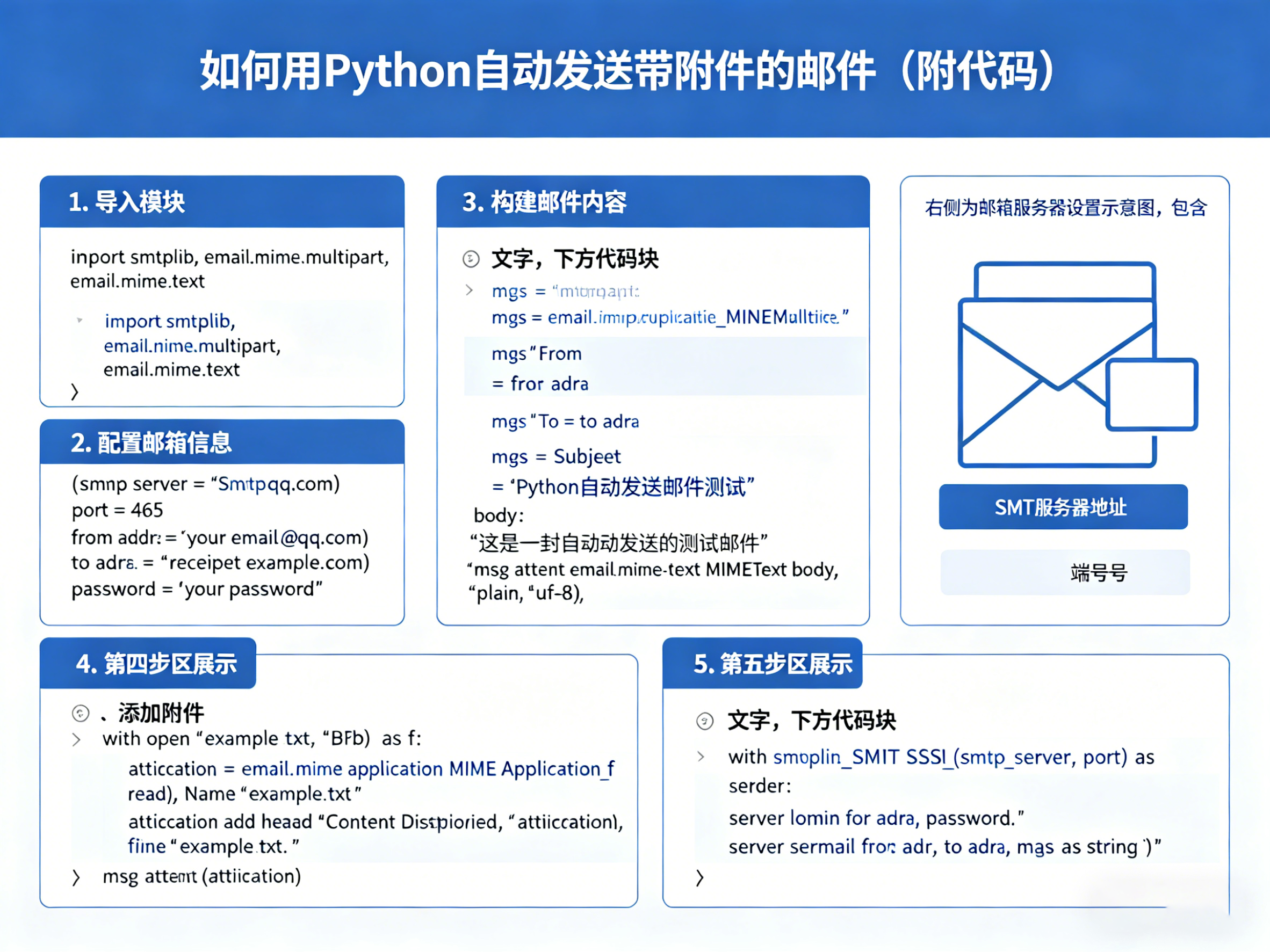
在本教程中,我们将学习如何使用Python自动发送带附件的电子邮件。这在自动化任务、定期报告等方面非常有用。
准备工作
在开始之前,确保您已经安装了Python和必要的库。Python标准库已经包含smtplib和email模块,因此不需要额外安装库。
安装必要的库
由于这些模块是Python标准库的一部分,您只需确保Python已安装在您的系统上。如果需要,可以使用pip安装email模块,但它通常是内置的。
步骤
编写代码
以下是完整的Python代码示例,用于发送带附件的邮件:
import smtplib
from email.mime.multipart import MIMEMultipart
from email.mime.text import MIMEText
from email.mime.base import MIMEBase
from email import encoders
设置邮件内容
msg = MIMEMultipart()
msg['From'] = 'your_email@example.com'
msg['To'] = 'recipient@example.com'
msg['Subject'] = 'Test Email with Attachment'
body = 'This is a test email with an attachment.'
msg.attach(MIMEText(body, 'plain'))
添加附件
filename = "example.txt"  # 替换为您的文件路径
attachment = open(filename, "rb")
part = MIMEBase('application', 'octet-stream')
part.set_payload(attachment.read())
encoders.encode_base64(part)
part.add_header('Content-Disposition', f"attachment; filename= filename")
msg.attach(part)
发送邮件
server = smtplib.SMTP('smtp.gmail.com', 587)  # 根据您的邮箱提供商更改
server.starttls()
server.login("youremail@example.com", "yourpassword")  # 注意:不要硬编码密码
text = msg.as_string()
server.sendmail("your_email@example.com", "recipient@example.com", text)
server.quit()
注意:请替换示例中的电子邮件地址、密码和文件路径。使用Gmail时,确保启用了不太安全的应用访问。密码不应硬编码在代码中,建议使用环境变量或安全存储。
运行代码
保存上述代码到一个.py文件中,例如send_email.py,然后运行它:
python send_email.py
如果一切正常,您将收到一封带有附件的测试邮件。
注意事项
1. 保护您的密码:不要在代码中硬编码密码。使用环境变量或配置文件来存储敏感信息。
2. SMTP服务器设置:根据您的邮箱提供商(如Gmail、Outlook)调整SMTP服务器和端口。例如,Gmail使用smtp.gmail.com和587。
3. 安全考虑:如果您的脚本在网络上运行,确保使用安全的连接,并遵守相关隐私政策。
什么是Claude 3.7代码解释器?
« 上一篇
2026-05-08
使用NotionAI高效整理会议记录并生成待办事项
下一篇 »
2026-05-08